Getting a +Shop up and running takes just a few minutes, and there are two ways to get started:

- Visit plus.shop and hit Activate Your +Shop
- Prefer a walkthrough? Schedule a call and we'll set it up together
Choosing who benefits
During setup you'll be asked Who benefits from this +Shop? — and you can change your answer any time you wish.
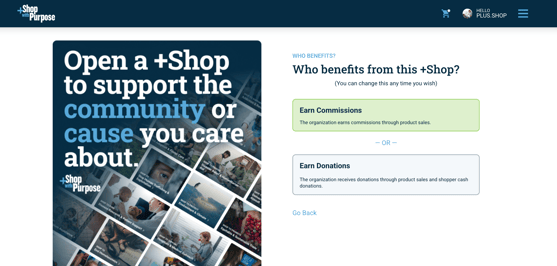
- Earn Donations — designate an organization to benefit from your +Shop. Purchases made through your +Shop — by your shoppers or by you — generate donations to that organization, delivered through Our Change Foundation. Shoppers can add cash donations too. We recommend PTA's and nonprofits to setup as earning donations if they have an EIN number.
- Earn Commissions — your organization earns commissions through product sales, paid as direct income. Pick this if the money is for your organization or yourself.
From there you can personalize your shop and start spreading the word.
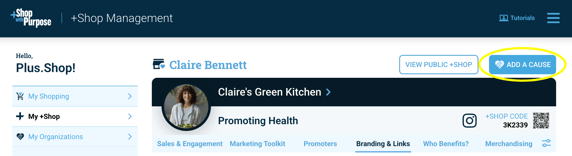
If you'd like to support more than one cause, you can do that by adding additional causes to your +Shop by selecting Add a Cause in Manage Your +Shop.