Getting there: Click Manage Your +Shop in the top navigation bar (to the right of the search bar, left of cart).

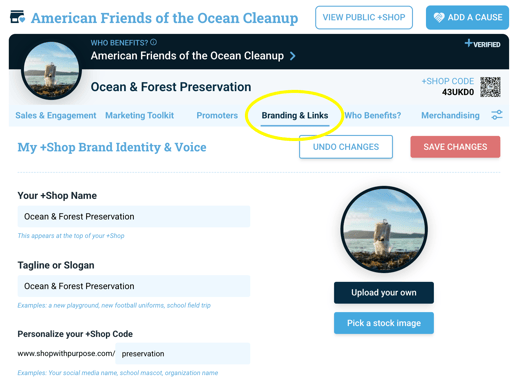
Once you have clicked Manage Your +Shop, under Branding & Links, set how your +Shop looks. Edit its name, tagline, and images, along with links to social media pages.
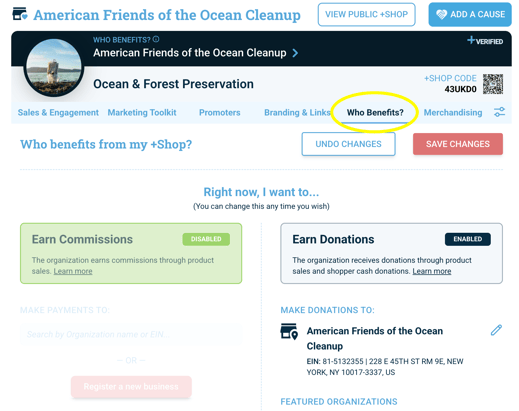
Under Who Benefits, choose where the giving goes. Select Earn Commissions for your organization or Earn Donations for benefiting an organization from any nonprofit in the IRS database.
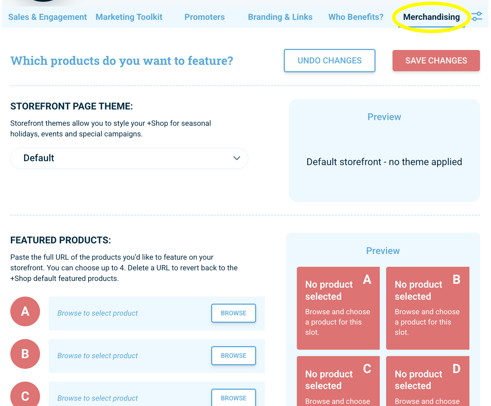
Under Merchandising, style the look of your storefront and select which products to highlight.